
Entries in seconds
Type the reading from your meter, choose the time of day and a tag such as fasting, and the entry joins your history. No form, no account.
A diabetes logbook is where your blood sugar readings go so they can be looked at later — by you, and by your doctor. DiabetLog keeps that logbook on your phone: every reading with its date, time and context, charted over weeks, and exportable as a PDF. Prefer paper? There's a free printable sheet too.


Free to download. No account. Or print the free log sheet instead.
A single glucose reading tells you where you are right now. A logbook — call it a blood sugar diary, glucose log or diabetic log book, they are the same thing — tells you what the last few weeks looked like. The NIDDK recommends recording each self-check with the date, time and result plus notes such as what you ate or how active you were, and taking that record to your health care team; the CDC notes that a written record works, and so does an app on your phone.
The format is less important than two habits: writing the entry down right after the check, and labelling it with enough context that it means something a month later. Everything on this page is about making those two habits easy.
Five fields, whether the logbook is paper or digital.
1
Both, for every entry. Patterns only show up when readings can be lined up by time of day across days.
2
Exactly as the meter shows it, in one unit for the whole logbook (mg/dL in the US, mmol/L in most other countries).
3
Waking or fasting, before a meal, after a meal, bedtime — so a morning reading is never compared with an after-dinner one by mistake.
4
Short and factual: a meal that was different, a long walk, a poor night's sleep. On a paper sheet this is its own column; in DiabetLog, context comes from the time-of-day tag.
5
The one your healthcare professional gave you, written once at the top. It makes the logbook readable by anyone who picks it up.
Both are legitimate. Paper is immediate and needs nothing but a pen; a digital logbook charts itself, reminds you to log and exports a report. Pick the one you will actually keep — or use both.
Use the free printable blood sugar log sheet. Daily, weekly, monthly and large-print layouts with the five fields above and a header for your unit and target range. Print it or save it as a PDF; nothing to install.
Open the printable log sheetUse DiabetLog to keep your readings and history on your phone. Free to download for iPhone, iPad and Android, no account required, and your entries never leave the device unless you export a report.
DiabetLog does the logbook's job and nothing else: it records the readings you take with your own meter, organises them into a history, shows them on charts against the target range your care team gave you, and exports a PDF when you need one. It does not measure glucose, and it does not tell you what your numbers mean — that stays between you and your healthcare professional.
If you are new to the habit, the guide on how to keep a blood sugar log covers what to write down and why, for paper and app alike.
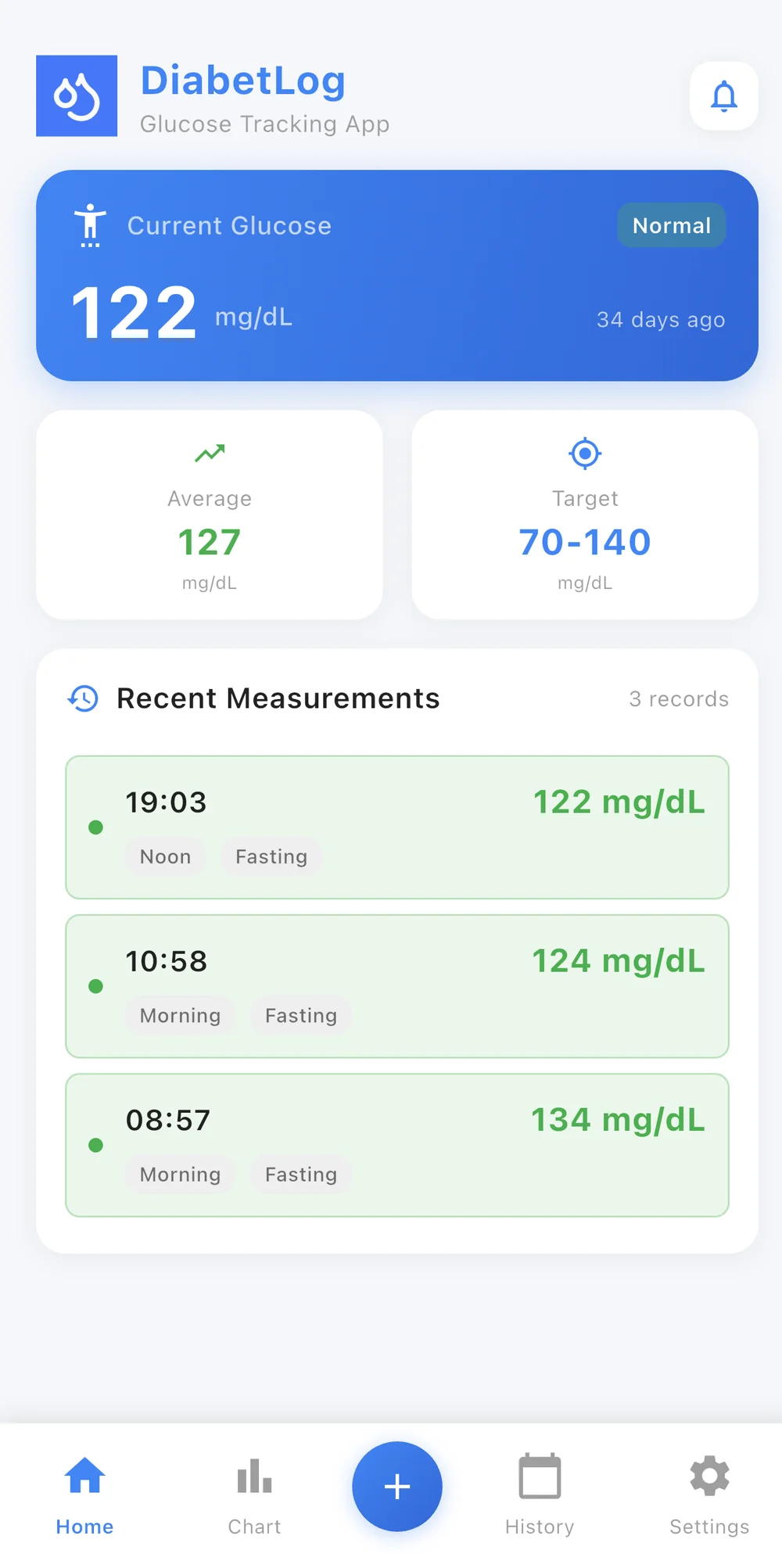
Type the reading from your meter, choose the time of day and a tag such as fasting, and the entry joins your history. No form, no account.
Instead of flipping pages, you scroll a timeline or read a chart. Averages and in-range statistics summarise weeks of entries at a glance.
Enter the target range provided by your healthcare professional and the logbook marks which readings fell inside or outside it. DiabetLog doesn't suggest a range and doesn't interpret the result.
Set reminders for the schedule your care team asked you to follow, so the logbook stays complete rather than filling up in bursts.
Export your logbook as a clean PDF report and send it before a visit, or open it on your phone in the room. PDF doctor reports are a Premium feature.
No account, no server. Your logbook lives only on your device, and nothing is uploaded unless you choose to share a report.
The point of keeping the logbook is the appointment. Bring every reading since the last visit, labelled and in one unit — on paper, in the meter's memory or as a PDF report sent ahead of time. DiabetLog Premium creates that PDF from your history in a couple of taps.
How to share readings with your doctorA diabetes logbook — also called a blood sugar logbook, glucose diary or blood glucose log — is a running record of the glucose readings you take with your meter or CGM, each with its date, time, context (such as fasting or after a meal) and a short note. It can be a paper booklet, a printed sheet or an app. Its purpose is to make your readings reviewable over time and easy to share with your healthcare team.
Neither is more correct; they trade different things. Paper needs nothing but a pen and is easy to hand across a desk. A digital logbook charts your history automatically, can remind you to log, and can produce a PDF report to send ahead of an appointment. Many people use paper at first and switch to an app once the habit exists — or keep both.
No. DiabetLog lets you enter the target range provided by your healthcare professional and then shows which readings were inside or outside it. It does not suggest a range and does not interpret your readings.
Yes. The free printable blood sugar log sheet on this site has daily, weekly, monthly and large-print layouts with the same fields — date, time, reading, context, notes — and a header for your unit and target range. Print it or save it as a PDF.
No. DiabetLog is a blood glucose logbook only: readings, time-of-day tags, charts, reminders, a custom target range and PDF reports. It does not track insulin doses, medications, meals or A1C, and it does not connect to a CGM or meter.
No. DiabetLog has no account and no cloud service, so your entries are stored only on the device you log them on. If you want a copy outside the phone, export a PDF report (Premium).